Choose a scene
Start with the mock home screen to see icons and the dock come in and out of focus. Switch to Photo for the image alone. You can use the dune wallpaper or choose a local JPG, PNG or WebP.
A SMALL EXPERIMENT IN LIGHT
Give a still photo a little movement. Tilt your phone and watch perspective, focus and light shift together.
Try your photoFree to try · No account · Photos stay on your device
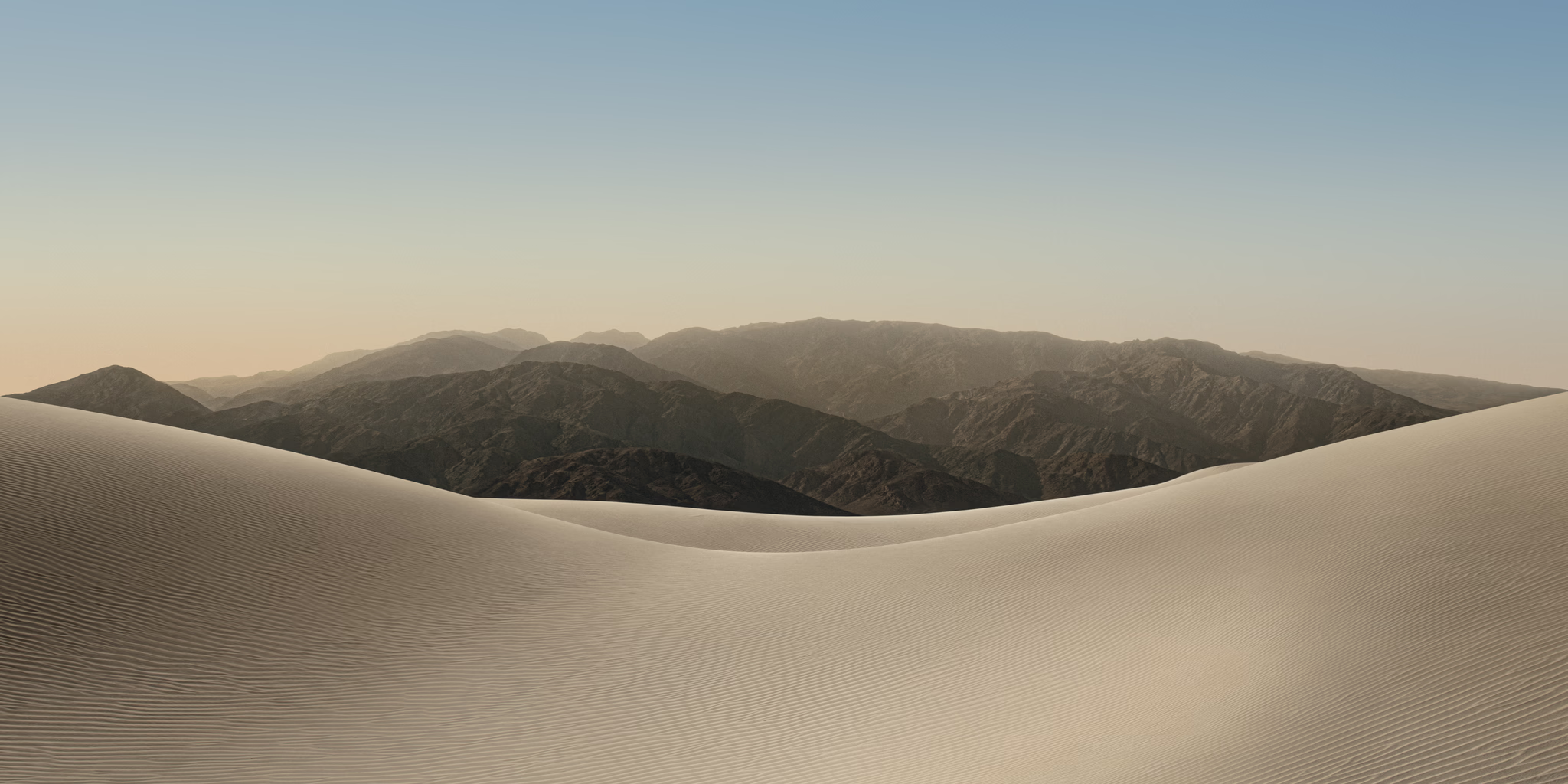
Start with the mock home screen to see icons and the dock come in and out of focus. Switch to Photo for the image alone. You can use the dune wallpaper or choose a local JPG, PNG or WebP.
On a phone, tap Enable motion and allow access when prompted. Hold it comfortably, then tilt gently. On a computer, move your cursor or use the slider.
Tap Clear view to hide the controls. Tap the photo to bring them back. Recenter sets your current holding position as the starting point.
Duo Light separates a mock home screen from its wallpaper. As you tilt, icons blur horizontally and fade into a frosted view; returning to the front brings them back into focus. Play effect previews the motion without a sensor. The app icons are visual mockups, not working apps. Photo mode applies the focus effect to your image alone.
No. The image is read, resized and displayed inside this browser. The app does not send it to a server. A photo must be smaller than 20 MB; large images are resized to a maximum edge of 2,560 pixels for smoother interaction. Only your language preference is saved.
Open the HTTPS site in a phone browser and tap Enable motion. Some browsers ask for permission, and some devices do not provide orientation data. You can always use the slider or drag the photo when motion is off.
Clear view removes the website controls and fills the available viewport in portrait or landscape. It also requests browser full screen when supported. Browser bars may remain on devices that do not support that API.
This is an interactive browser experiment. It does not currently export a video, live wallpaper or edited photo.